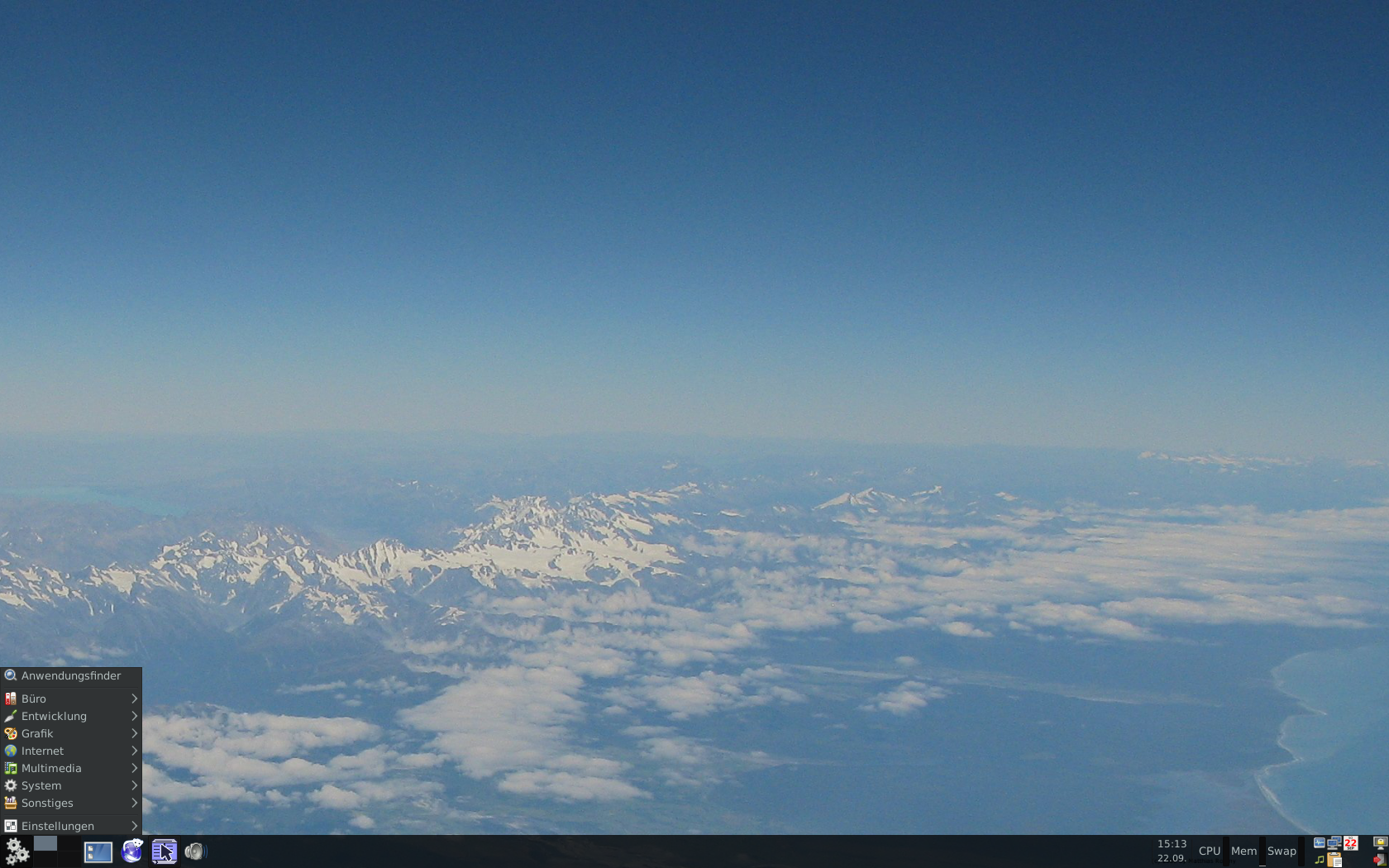
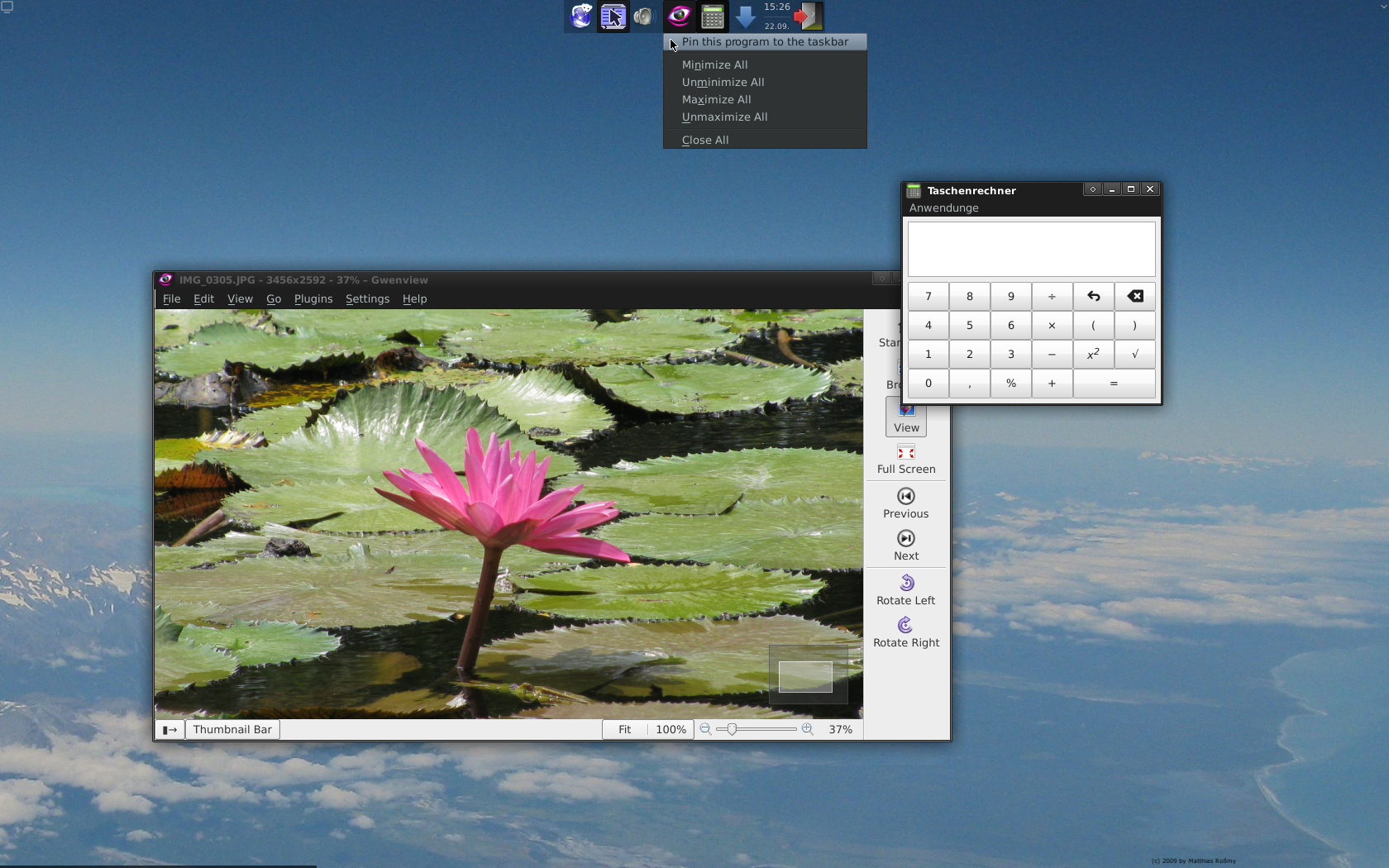
MCL uses the fast and clear Xfce desktop, which has been extended by a taskbar that supports application pinning and some tools to make configuration easier, e.g. a manager
for panel layouts.
2. Good keyboard usability
As many experienced computer users know, doing things by keyboard is often faster than doing them by mouse. Therefore MCL has lots of useful shortcuts preconfigured:
F12 = close window
Ctrl+F12 = maximize window
Shift+F12 = maximize window vertically
Alt+F12 = minimize window
LeftWin = Whisker menu
Shift+Alt+ArrowKeys = dock window to screen edge
3. And lots of...
...minor things, which are nothing special, but make life more pleasant, e.g.:
a useful set of preinstalled applications
fixed mouse lag, that occurs in almost all other distributions due to unreasonable configuration defaults
optimized settings for DoubleCommander, Gwenview and some other applications
DockBarX is integrated in the task bar to allow more comfortable window management
replaced Krusader with DoubleCommander
Xfce 4.12
smaller download size (the live DVD contains only a small set of applications and the full environment
can be automatically installed when booting the freshly installed system the 1st time)
uses Debian Jessie and updated packages from MX15 as base
several minor improvements
818 MB
985dbd73d92628a7 be7bdc5e955190c5
Recommended Disk Partitioning
Mount Point
Type
Minimal Size
Recommended Size
Comments
1.
n/a
Swap
1 GB
RAM size + 1 GB
you can skip this partition if you don't use hibernation and are really sure that you have enough RAM for your applications
2.
/
Ext4
12 GB
20 GB
3.
/home
Ext4
4 GB
the whole remaining disk space
this partition is optional, don't create it if you have less than 4 GB left
Notes for Installation
You can burn the image on a DVD or make a bootable USB stick with UNetbootin.
When you are asked for the locale, I recommend using your country with UTF-8.
Helping the Project
I'm looking for a more user-friendly installer which is compatible to Debian stable and to the SparkyBackup remastering tool. If you know such an installer or want to develop it, feel free to contact me. And because MCL is based on
Debian, helping Debian also helps MCL.